
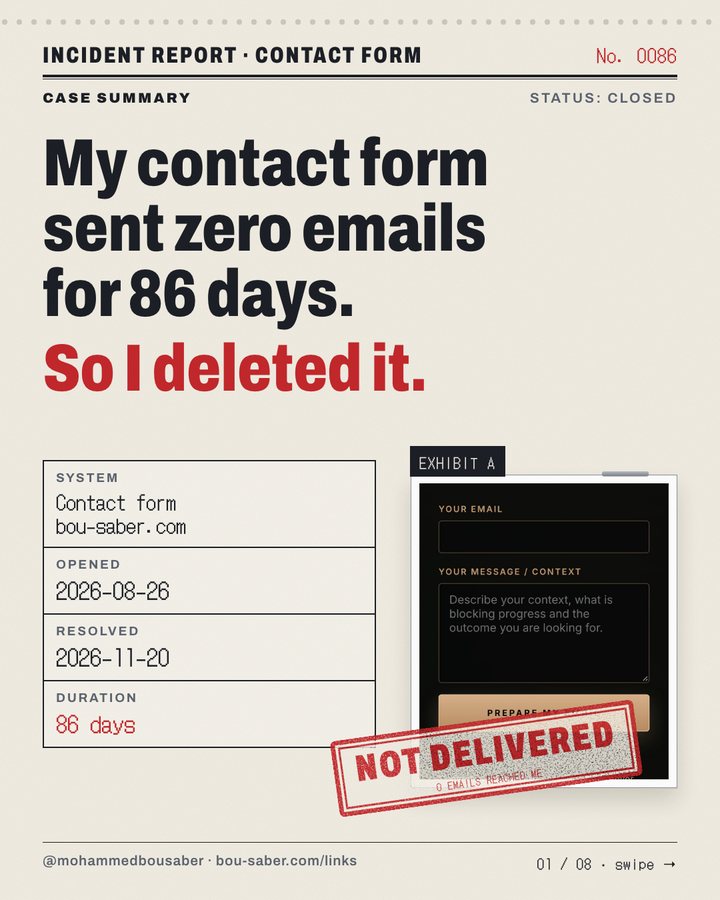
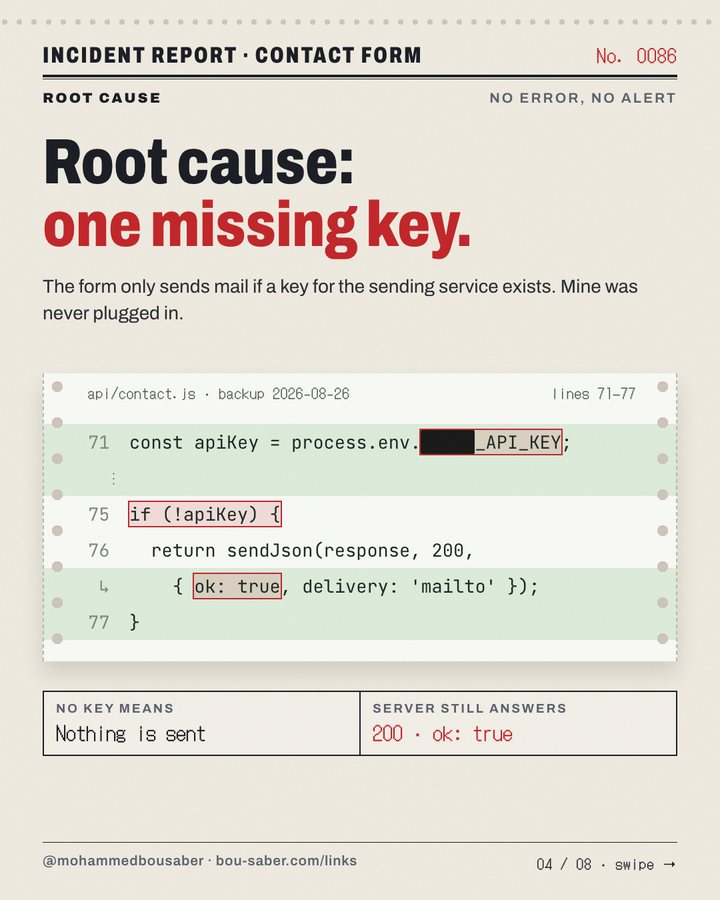
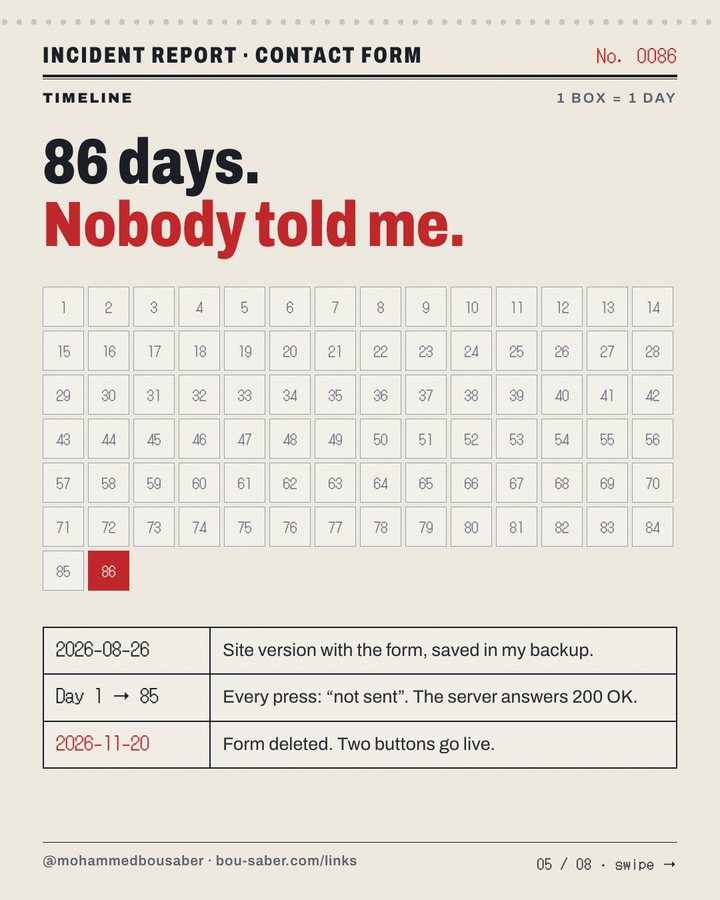
86days online
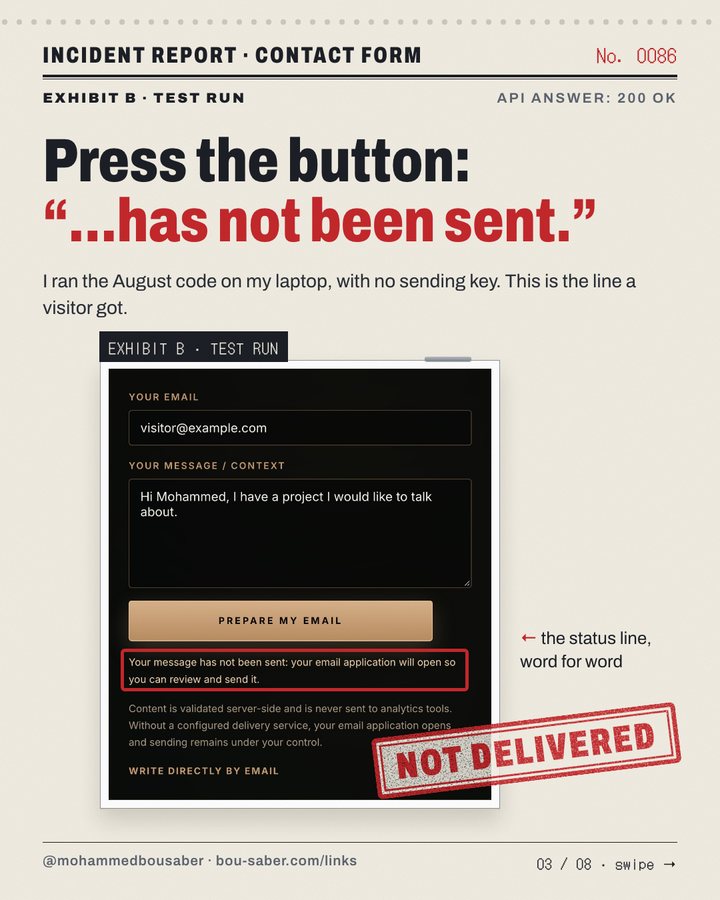
0emails sent
2buttons instead
First, test yours
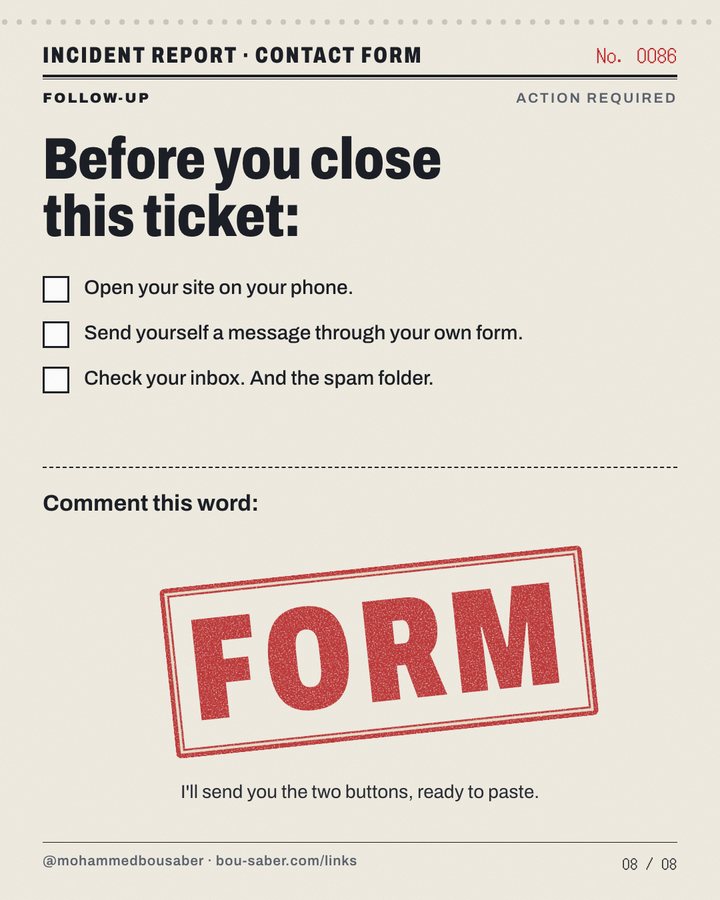
- Open your site on your phone.
- Send yourself a message through your own form, with a real address.
- Check your inbox, and the spam folder.
- Nothing arrived? Yours is broken too.
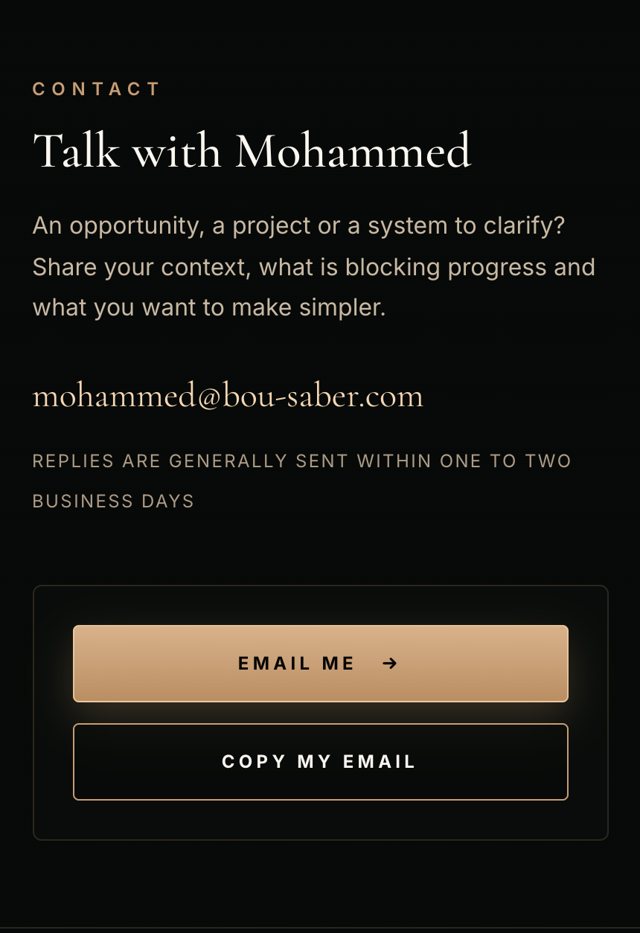
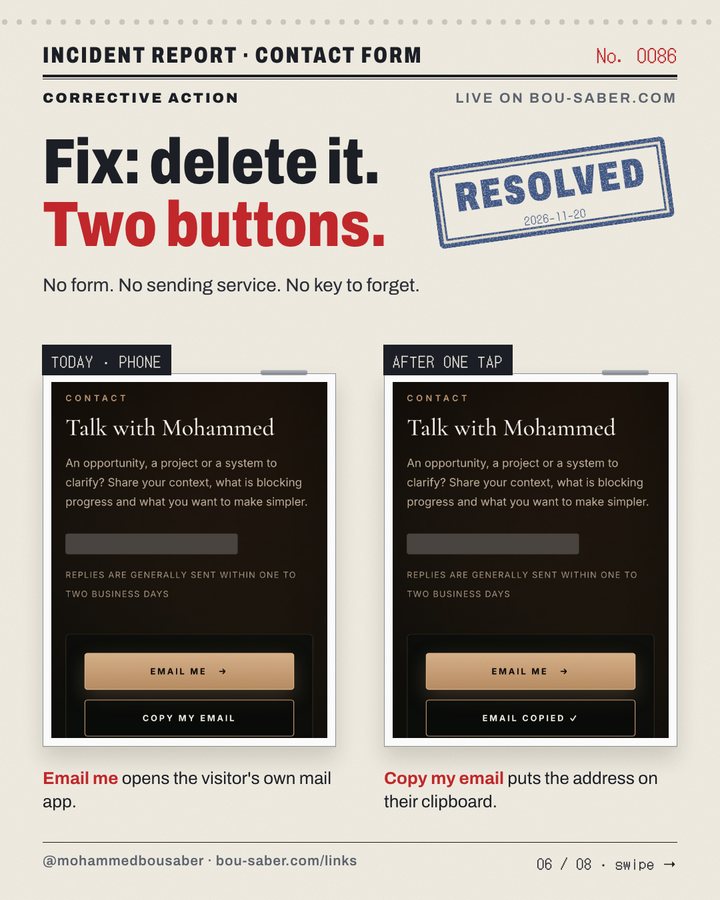
Try the two buttons
Email me
Live preview with an example address. Tap them.
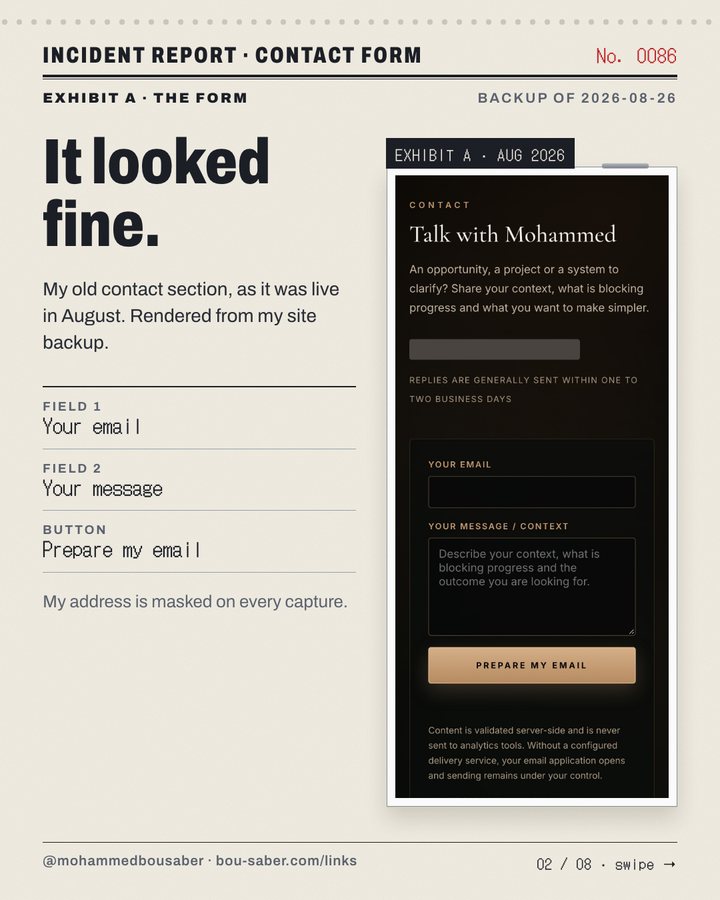
Email me opens the visitor's own email app, with your address filled in. Copy my email copies it, for people on webmail. No form, no sending service, no password. Nothing to break.
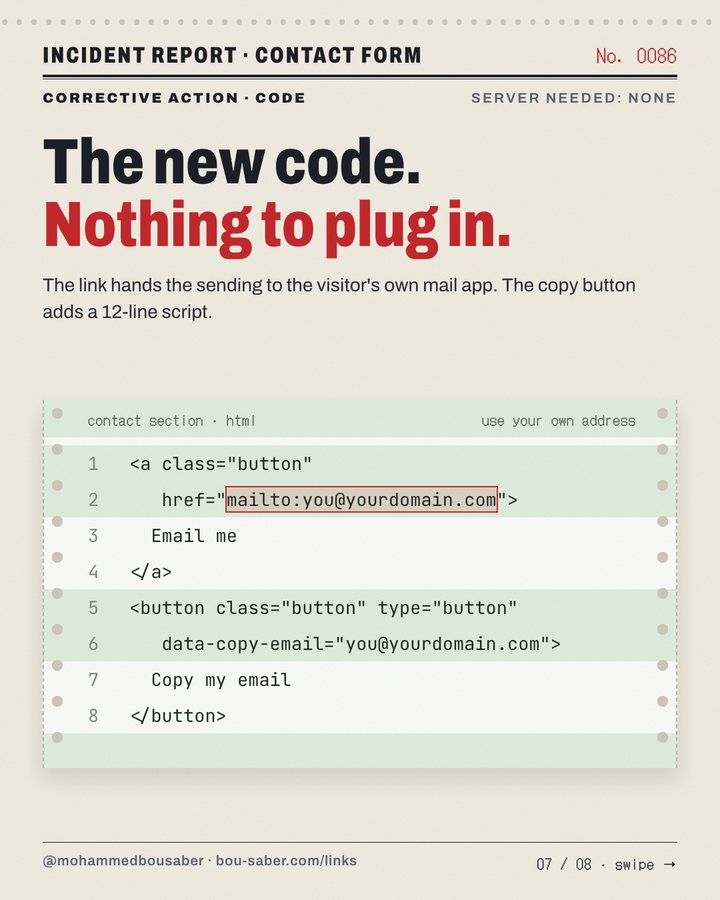
<div class="contact-actions">
  <a class="button" href="mailto:you@yourdomain.com?subject=Hello">Email me</a>
  <button class="button" type="button" data-copy-email="you@yourdomain.com">Copy my email</button>
</div>
<p>Or write to <strong>you@yourdomain.com</strong></p>

<script>
document.querySelectorAll('[data-copy-email]').forEach(function (b) {
  var label = b.textContent;
  b.addEventListener('click', function () {
    var email = b.getAttribute('data-copy-email');
    navigator.clipboard.writeText(email).then(function () {
      b.textContent = 'Email copied ✓';
      setTimeout(function () { b.textContent = label; }, 2500);
    }, function () {
      window.location.href = 'mailto:' + email;
    });
  });
});
</script>
Replace you@yourdomain.com in three places, and style .button like the other buttons on your site.
What you give up
- Your address is visible, so expect a bit more spam. A good spam filter handles it.
- No dashboard of messages. They land in your inbox, where you already look.
- Keep the address written as text too: some phones block email links.