

Make it yours in four steps
- Unzip it, then open
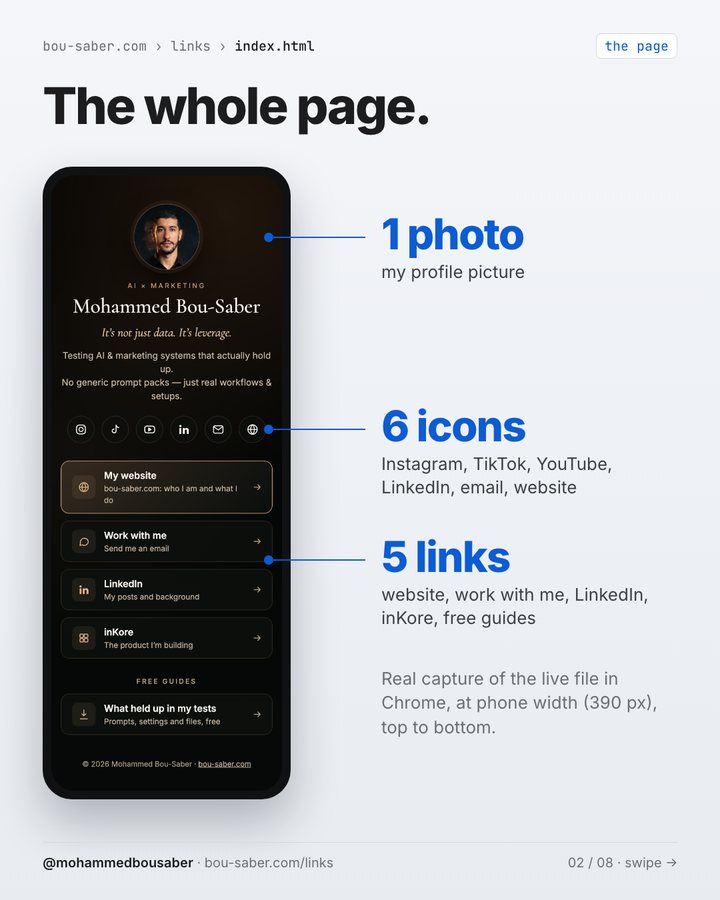
index.htmlin any text editor. - Replace the parts in capitals: your name, your bio, your links. Each one is marked with a comment.
- Put your photo next to the file and name it
avatar.jpg. - Open the file in your browser to check it.
Or let Claude do it
Here is my links page. Keep it one HTML file.
Replace the name with: [your name]
Replace the bio with: [your bio]
Use these links: [list]
Change the colors to: [your colors]
Put it on your domain
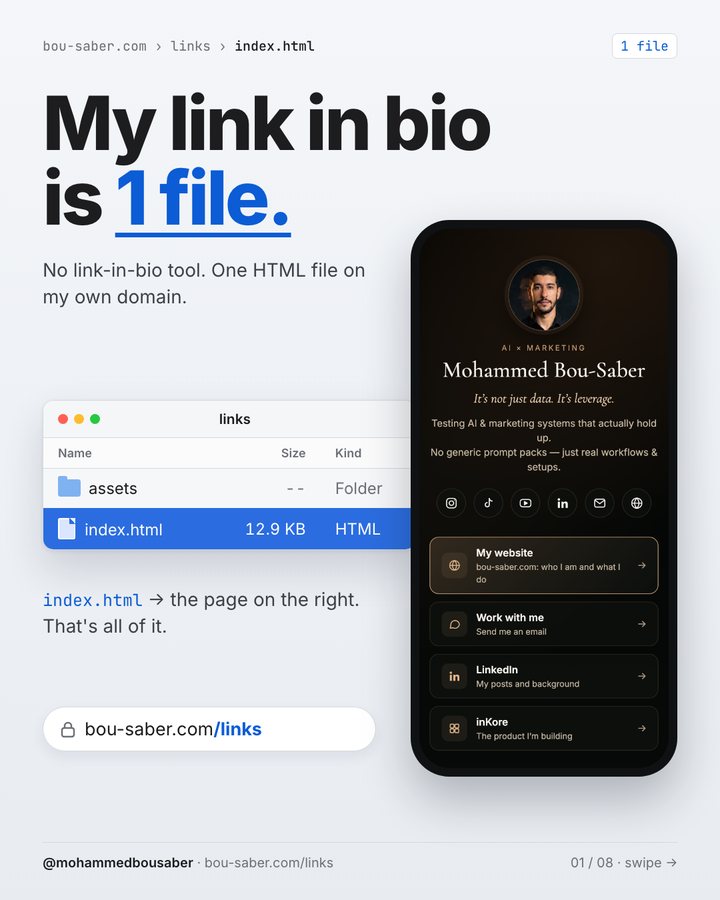
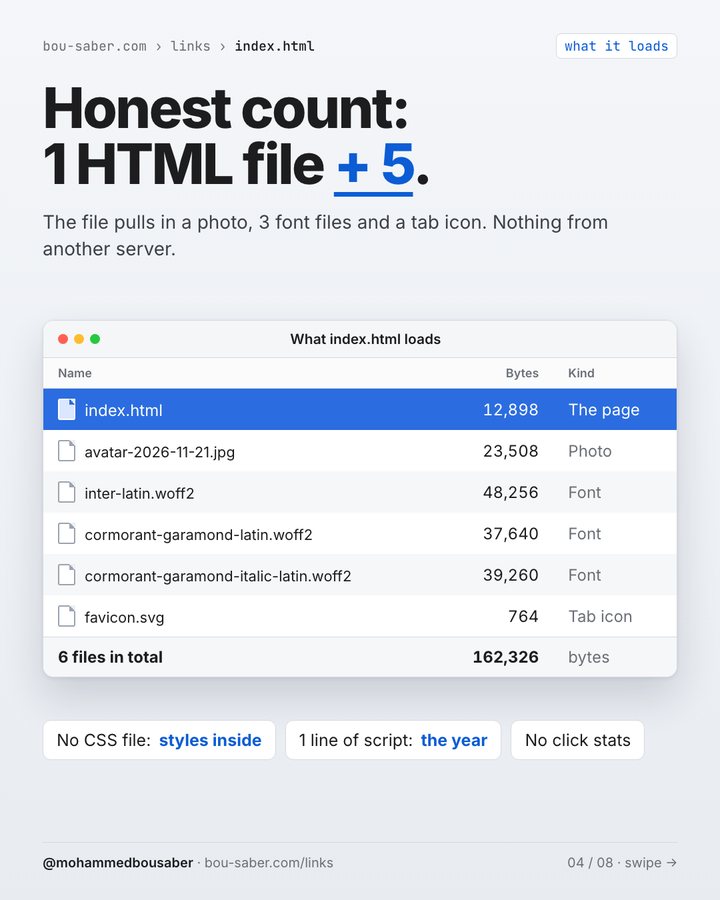
Any static hosting works. Mine sits on the same host as my website, at /links/. That address goes in my bio on every network, and the visits stay on my site.
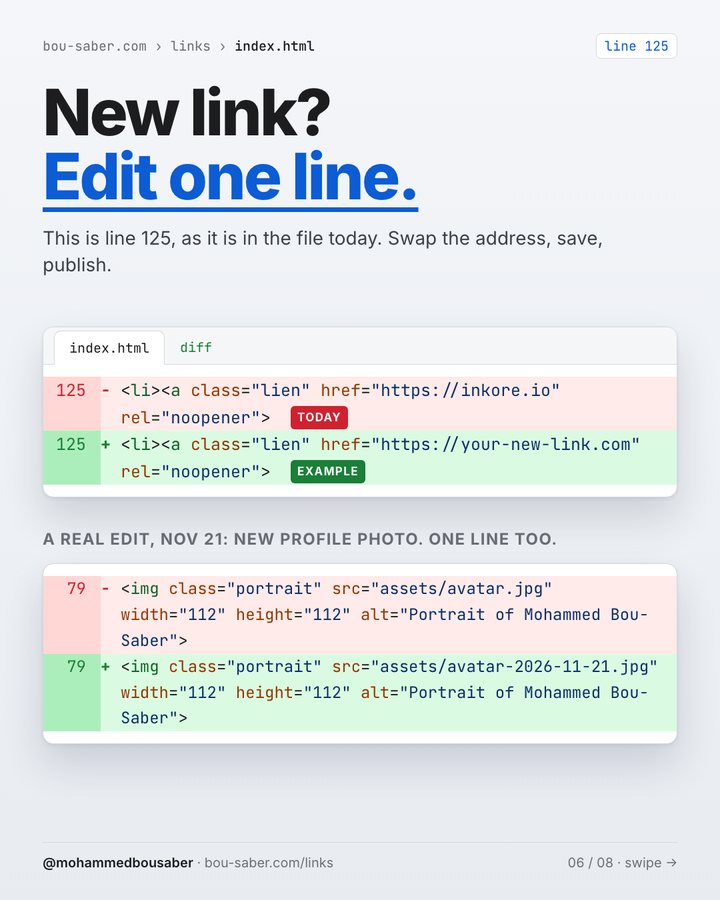
Changing a link
Find the link, change the address, save, upload. One line:
<a class="lien" href="https://your-new-link">
The trade-off: no click stats built in. I'll add them the day I need them.